Nemotron 3 Ultra for Free!
Published Oct 2, 2026
Today’s AI models (Large Language Models or LLMs) are getting better and better. Nvidia’s Nemotron 3 Ultra LLM emerges as the latest proof point. Here we show you how you can gain access to this model without worrying about paying for it. Yes, you are limited in usage but this lowering of the cost of access seems to be the beginning of a trend. Remember when texting was priced by the text?
The instructions to setup your own Nemotron 3 instance follow.
Nvidia
- Create an Nvidia account and login.
- Go to https://build.nvidia.com
- You will be asked to create an Nvidia cloud account - pick a name and continue.
- You will be asked to enter your phone number so that you will get a one-time verification password.
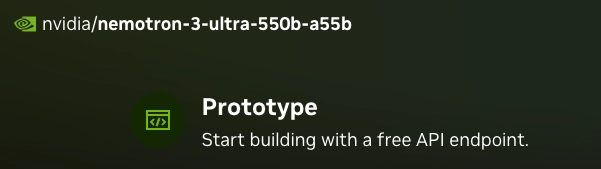
- You should be ready to search for the Nemotron model. Find the model, and click on it; for example:

- Notice the description that this is a free API endpoint .
- Generate a key by clicking the Generate API Key button:
- My key appeared in the python code. Here is my code snippet:
client = OpenAI(
  base_url = "https://integrate.api.nvidia.com/v1",
-->  api_key = "nvapi-xxxxxxxxxxxxxxxxxxxxxxxxxxxxxxxxxxxxxxxx" <----
)- Save your API key somewhere safe otherwise you will have to generate a new one.
Opencode
- Install opencode terminal (or TUI), I used brew:
brew install anomalyco/tap/opencode- Launch opencode
opencode- Enter
/connect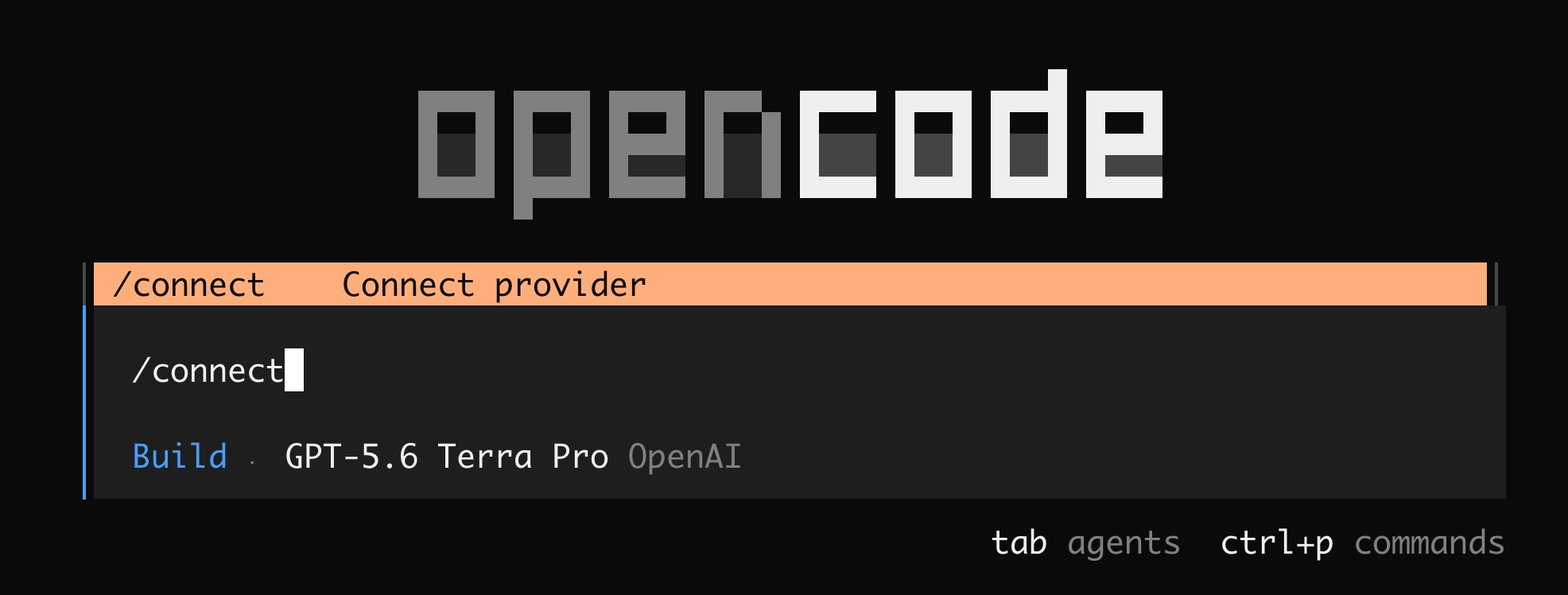
- Then find Nvidia and select it.
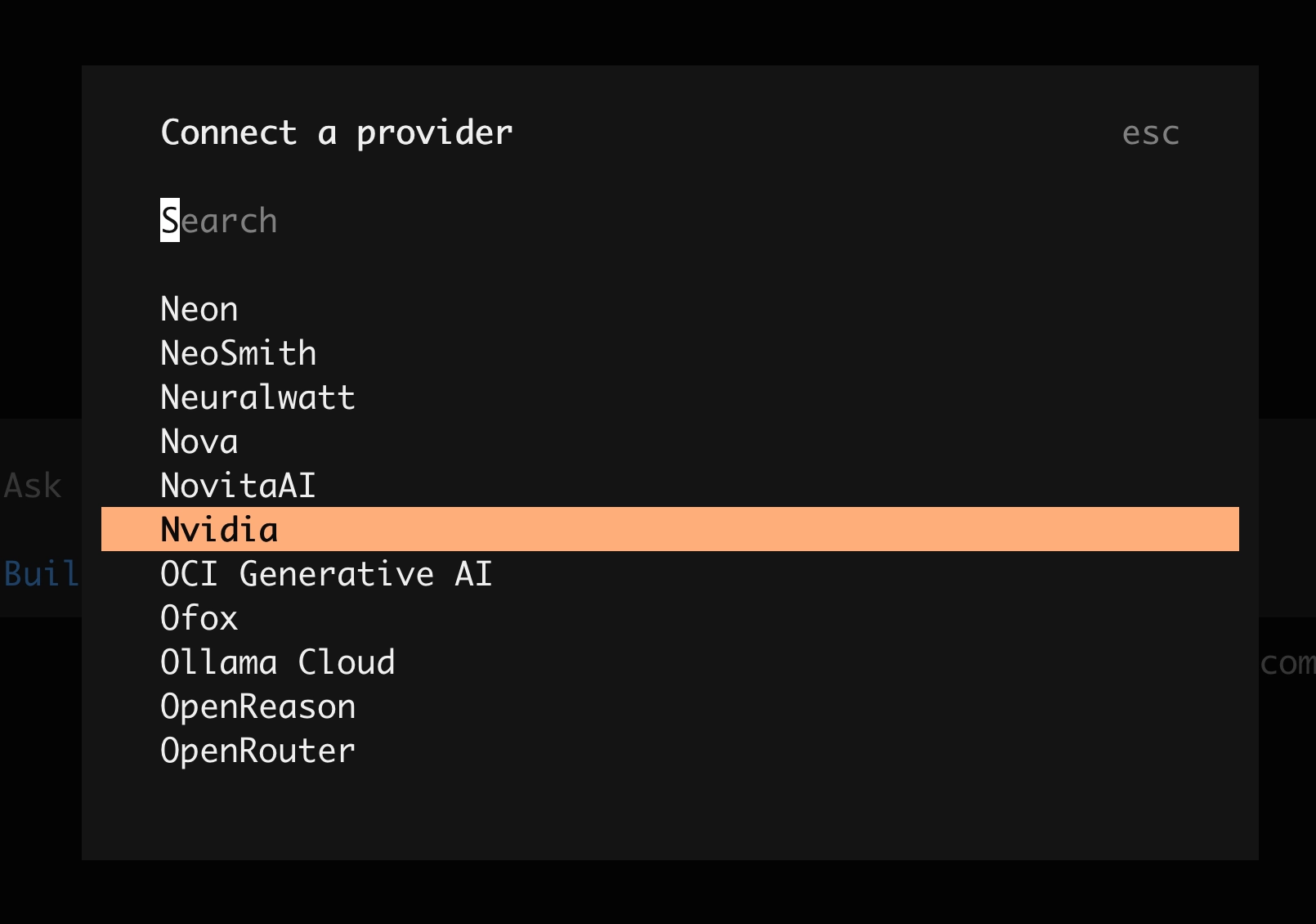
- Find the Nemontron 3 Ultra entry and select it.
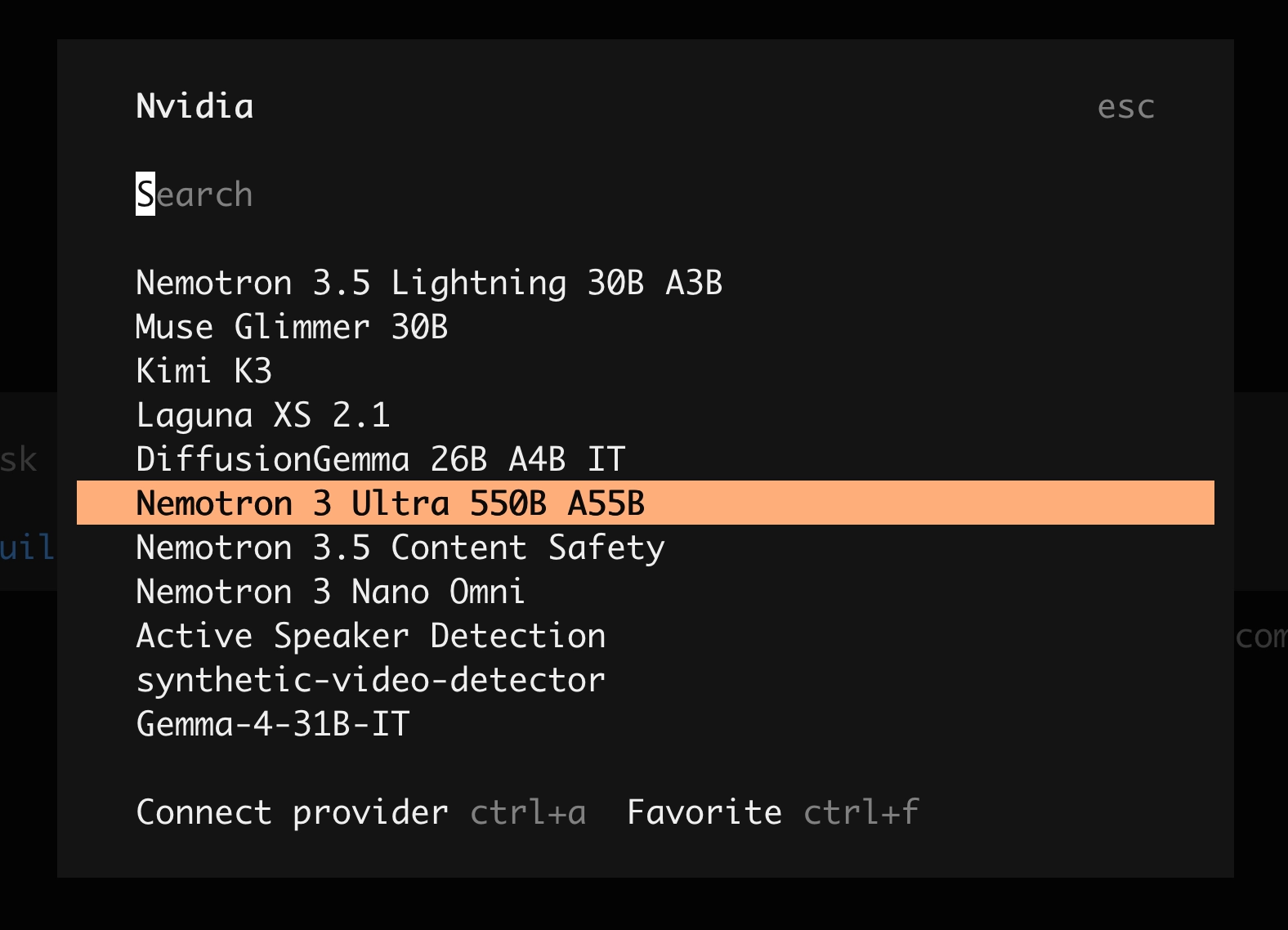
- Enter your key.
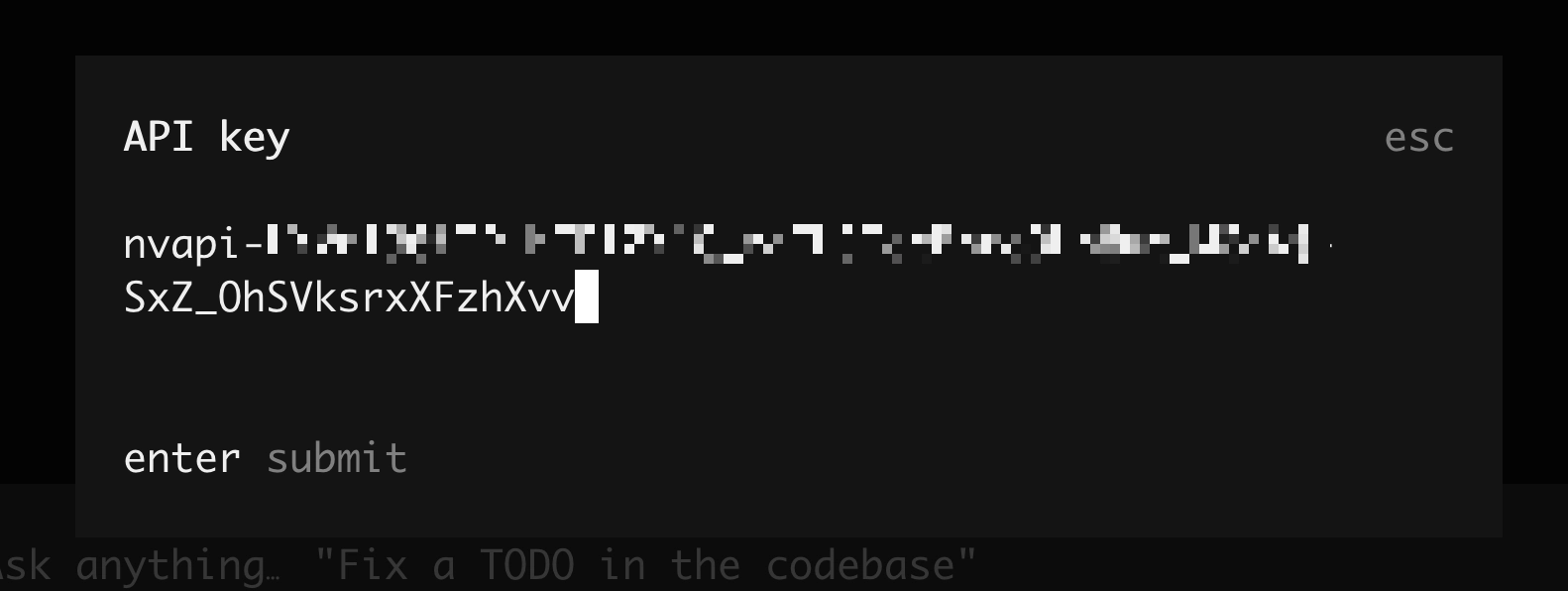
Boom! 💥 You have access to a coding model for free using opencode. Unfortunately there are limiters in place which will vary in duration over time, I’m sure but for curious use and medium strength tasking, this may suffice!
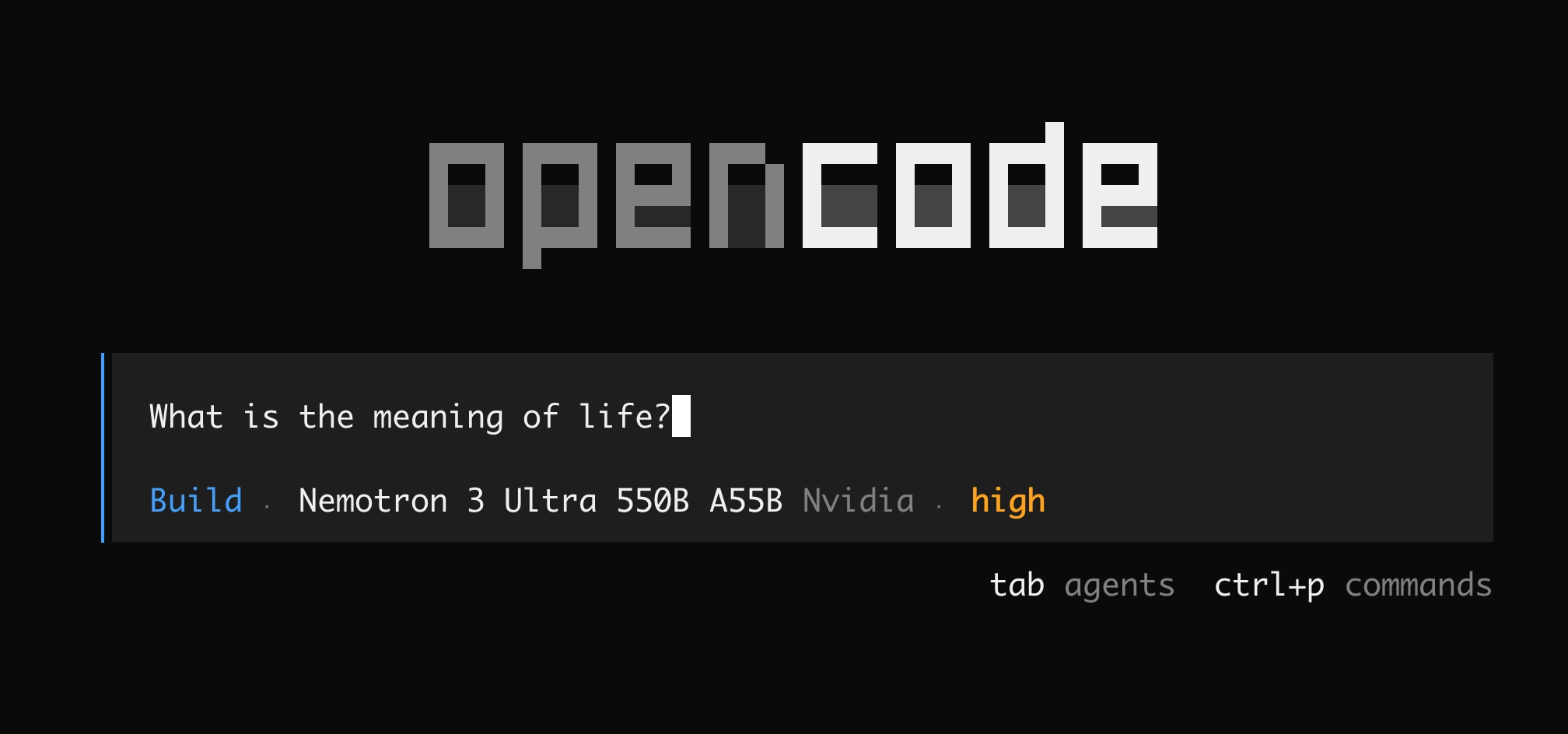
Note: Hit Control-C to exit opencode.
And that’s all there is to it. You now have an extremely powerful LLM at your fingertips.